
7 Website Design Mistakes That Can Hurt Your Business (And How to Avoid Them)
Your website is often the first impression potential customers get about your business. A well-designed website can attract leads, build trust, and generate sales. But a poorly designed one? It can drive visitors away in seconds.
In fact, research from Stanford University shows that 75% of users judge a company’s credibility based on website design. That means mistakes in your site could cost you valuable opportunities.
Here are 7 common website design mistakes and how to fix them:
1. Slow Loading Speed
People expect websites to load fast. According to Google, more than half of visitors will leave a site if it takes longer than 3 seconds to load.
How to fix it:
-
Optimize images
-
Use caching
-
Invest in reliable hosting
2. Not Mobile-Friendly
Over 70% of web traffic in Nigeria comes from mobile phones (source: DataReportal). If your site isn’t mobile-responsive, you’re losing a huge audience.
How to fix it:
-
Use responsive design
-
Test your site on multiple screen sizes
-
Prioritize mobile-first layouts
3. Poor Navigation
If visitors can’t find what they’re looking for, they’ll leave. Confusing menus or too many clicks frustrate users.
How to fix it:
-
Keep menus simple
-
Use clear labels
-
Add a search bar
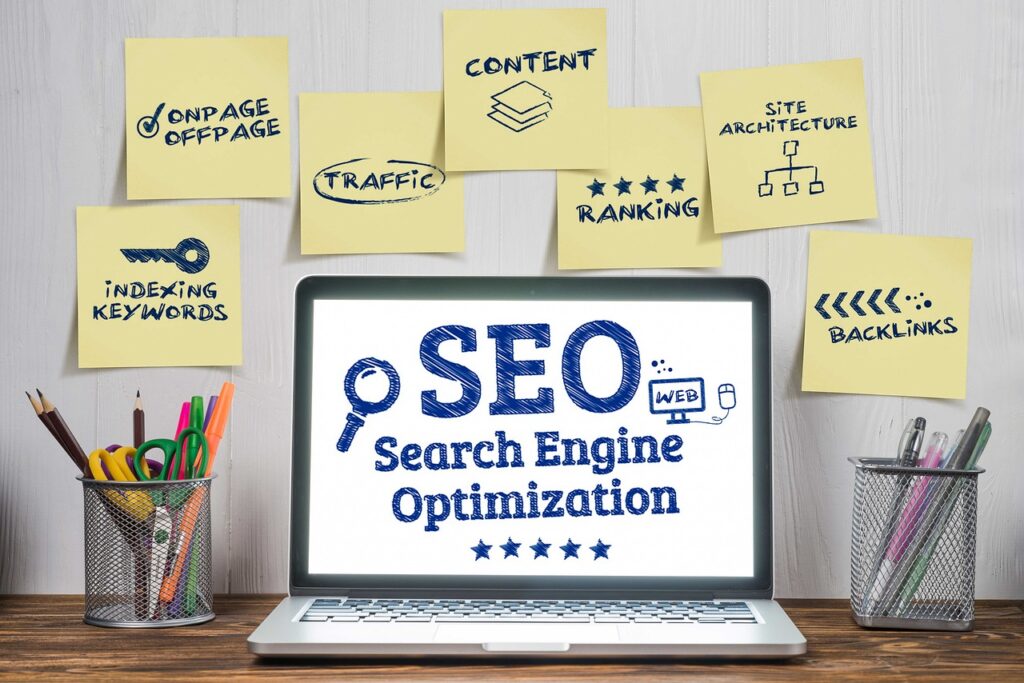
4. Ignoring SEO Basics
A beautiful website without SEO is like opening a store in the middle of nowhere. As Neil Patel explains, SEO ensures your website gets discovered on Google.
How to fix it:
-
Use keywords naturally
-
Write meta titles & descriptions
-
Build backlinks from trusted sites
5. Weak Call-to-Actions (CTAs)
If your website doesn’t tell visitors what to do next (buy, book, call, subscribe) they’ll leave without taking action.
How to fix it:
-
Use clear, visible CTAs (e.g., “Get a Free Quote”)
-
Place them strategically across pages
-
Make buttons stand out with color contrast
6. Outdated Design
An old-fashioned website makes people doubt your business is still active. HubSpot reports that 38% of users stop engaging if a site looks outdated.
How to fix it:
-
Update your visuals & fonts
-
Use modern layouts
-
Refresh your content regularly
7. Lack of Security (No SSL Certificate)
A website without “https://” is flagged as “Not Secure” by browsers. This damages trust and can affect your SEO rankings.
How to fix it:
-
Install an SSL certificate
-
Use secure hosting
-
Keep your website software updated
Final Thoughts
Your website is your digital storefront. Avoiding these mistakes ensures that visitors stay longer, trust your brand, and eventually convert into paying customers.
At Uptwn Developers, we specialize in creating modern, secure, and SEO-friendly websites that help businesses grow.
👉 Want a free audit of your website? Contact us here.